PostFlow MCP and more
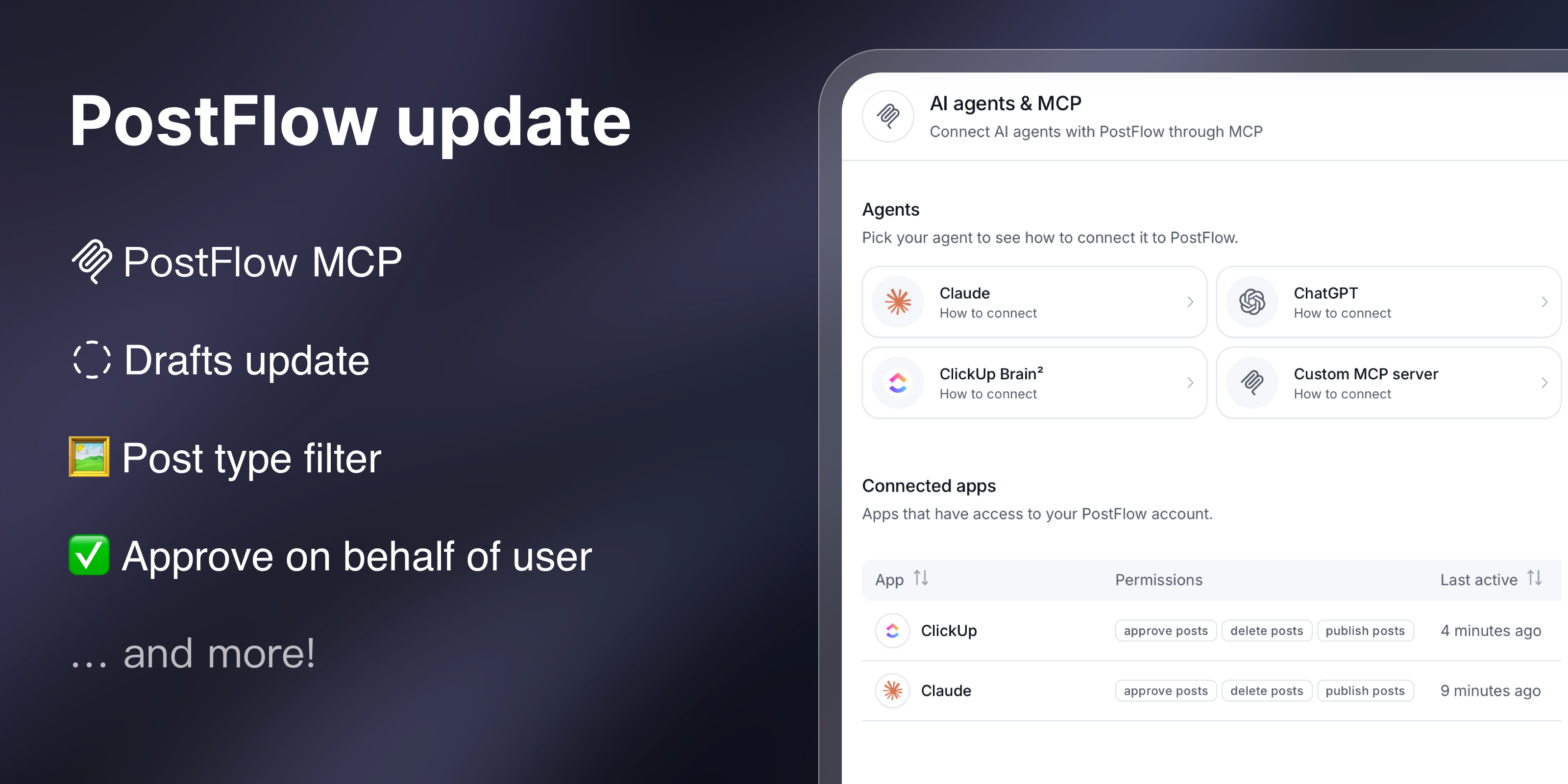
This release brings the PostFlow MCP server, approving posts on behalf of other users, a post type filter in the calendar, and more flexible drafts.
Meet the PostFlow MCP
After weeks of internal testing, PostFlow MCP is now available to everyone. Connect PostFlow in a few clicks to Claude, ChatGPT, ClickUp Brain² or any other AI agent with our new MCP server!
Some ways to use PostFlow MCP in your AI agent:
- Ask to turn ideas into drafts in the publishing calendar
- Find out which posts are waiting for approval and approve or reject them from the chat
- Ask which posts performed best last month and what they have in common
- Reschedule a whole week of posts or relabel them in one go
PostFlow MCP is available on all plans at no extra charge.
Approve on behalf of a user
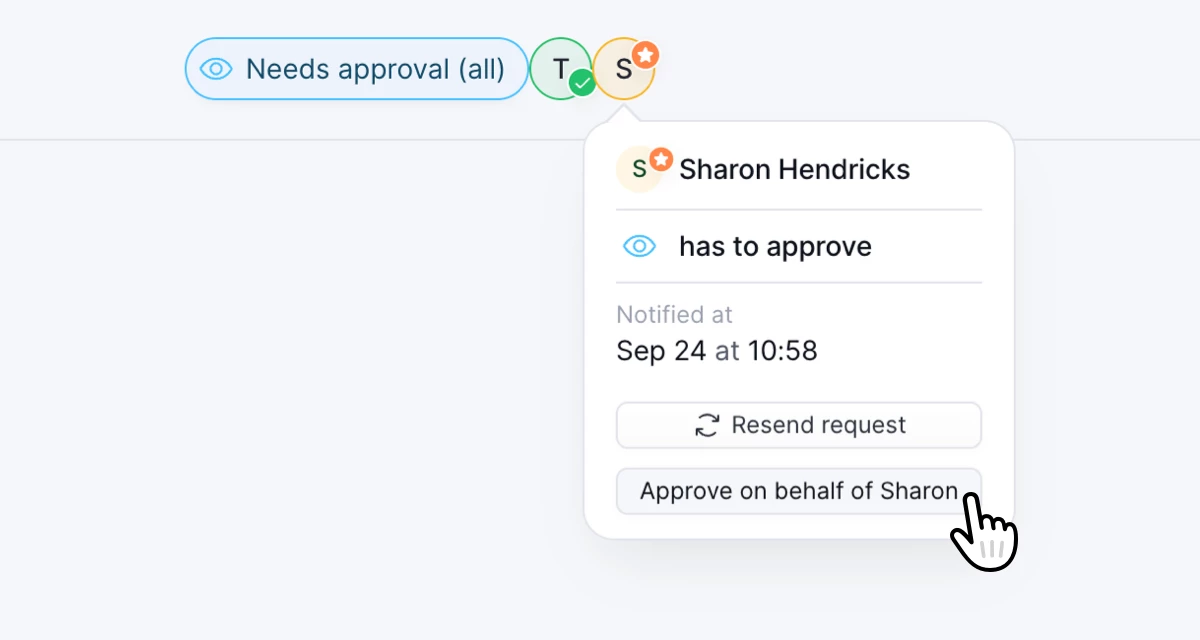
A post is ready, the deadline is close, and the only thing missing is the approval of someone who is out of office.
Managers can now approve posts on behalf of that user, so the post can go out on time. The approval is recorded in the post activity log, so it's always clear who approved it and for whom.
Post type filter
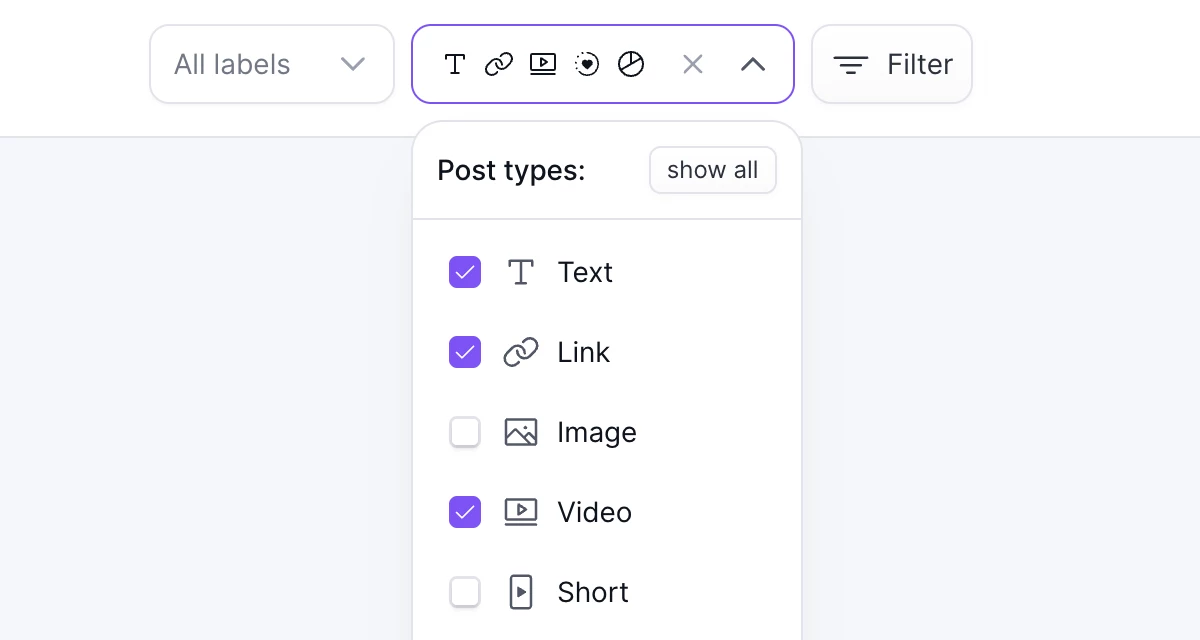
You can now filter posts in the calendar by post type. For example, show only Stories and Carousel posts. The filter is also available in the API and MCP.
Post thumbnails in the calendar now also show post type icons.
Drafts update
Drafts without social accounts in the calendar
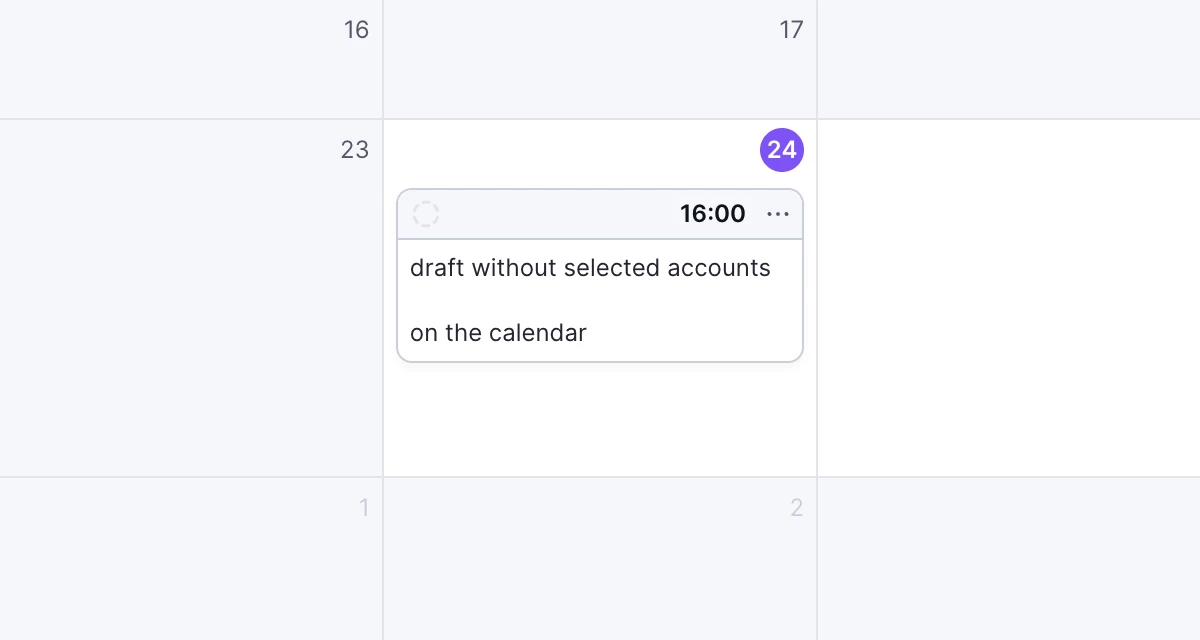
Drafts without any selected social accounts can now be shown in the calendar.
Save drafts without validation
Drafts no longer need to have valid content when you save them. For example, you can save a draft of an Instagram post before uploading any media.
Threads text attachments
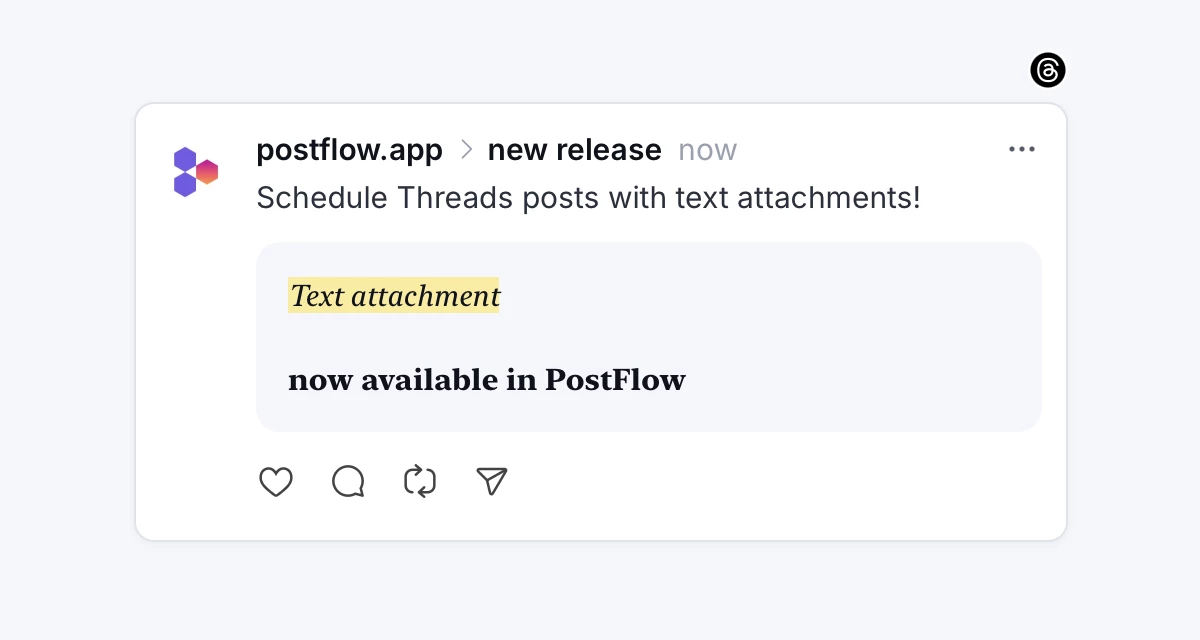
Threads posts can now include a text attachment. Share longer content of up to 10,000 characters with formatting options.
Delete posts from Threads
When you delete a post in PostFlow, you can now delete it from Threads too, so you don't have to do it in the Threads app.